
There are countless online activity booking software available today, and comparing all of your options can be tricky because features, packages, and pricing structures vary (sometimes drastically) across solutions.
So we’ve done the hard work for you, evaluating the top-rated activity booking software across review sites (like G2, Capterra, and GetApp) and digging into user feedback to see how each solution stacks up — and which ones are actually worth your investment.
This post focuses on the nine most commonly reviewed platforms in the industry, the names you’ll encounter most often when shopping around. We discuss core features, pricing, and verified customer feedback for each solution so you can easily compare your options and make an informed decision. It covers:
Best Activity Booking Software
We begin with a walk-through of our tour operator software, Bókun, and show you why users rate us an exceptional 4.7 stars across review sites — explaining the features to: create a bookable website and increase direct bookings, sell activities across popular online travel sites, grow your distribution network by establishing partnerships, and scale your operations.
We work with tour and activity providers, big and small, from all corners of the globe to help them generate more bookings, save time, and offer a better experience. You can try Bókun for free (no credit card required) to explore the features and start selling your travel activities online.
Bókun
All-in-one tour & activity booking software with the industry’s lowest booking fees
Bókun is an all-in-one tour and activity booking software combining everything you need to grow your business online and manage daily operations. Our platform lets you:
- Design a custom, bookable website to receive direct bookings
- Enable simple online payments and track revenue
- Create professional listings for all your activities and experiences, and manage the details, availability, and pricing
- Keep a real-time inventory of all of the supplies and equipment for your travel activities
- Reach thousands of new customers by connecting with online travel agencies (OTAs) and partnering with other travel industry businesses via our distribution network and affiliate program
- Manage all of your reservations in one calendar and automate availability updates
- Streamline field operations and keep all of your staff members working in sync
- Offer five-star customer experiences to win positive reviews and repeat reservations
While we pack a lot under one roof, we prioritise simplicity and ease of use, so all activity providers can join Bókun and take full advantage of its toolkit. Our dashboards and features are all easy to navigate and learn, so you don’t need any training to get started (most users are fully up and running in an afternoon).
But what really makes our platform accessible is our affordable pricing. Yes, we strive to make our features as user-friendly as possible — but we also offer some of the lowest rates among competitors, so we can accommodate all budgets. We never want high pricing or expensive fees to prevent tour and activity operators from enjoying the benefits of Bókun.
- All of our core tools (everything we’ll discuss below) are available in our entry-level START plan at $49/month.
- We charge the lowest booking fees in the category at 1.5%.
- We offer 0% Bókun booking fees on Viator reservations.
- Offline booking management is totally free.
We’re a Tripadvisor brand and Viator partner, with over a decade of experience supporting tour and activity providers through all stages of growth. Our platform is built to scale with you, and our team is always here to help out when you need us.
In the following sections, we’ll provide a walkthrough of our platform’s core features. But if you’re interested in testing our toolkit yourself, you can redeem your 14-day free trial here.
Bring your business online: Build your site, add products, & manage resources
Bókun comes with a one-click website builder that lets you create a custom, branded booking site with ease. You can choose from our template gallery and plug in the details: select background colours, add custom fonts and text, and include imagery and logos — no coding required.
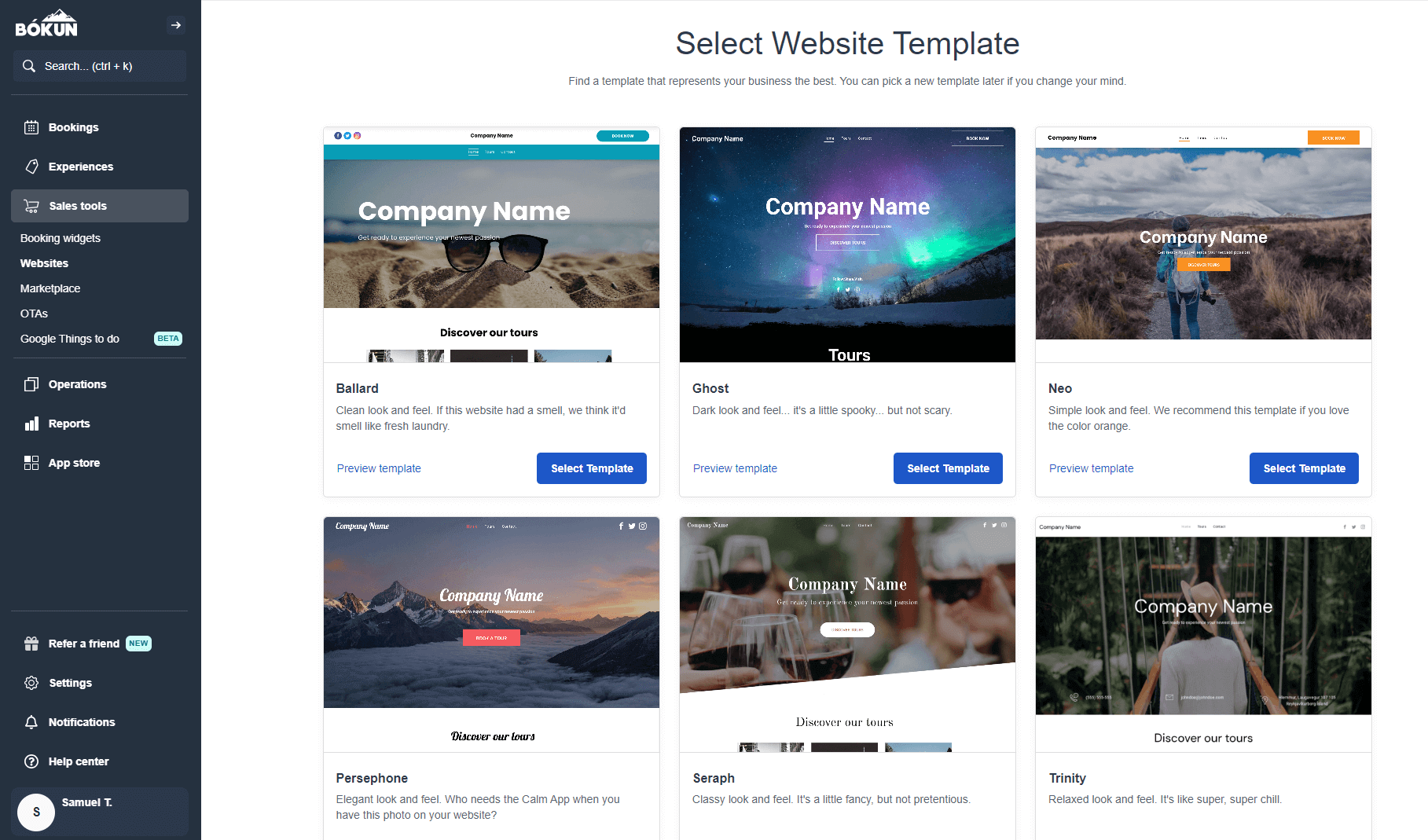
Then, you can choose your preferred website name, and we’ll handle the steps to secure your domain and publish your site live. (We even cover domain charges, so you don’t have to pay extra fees to bring your site online.)
However, you don’t have to switch to Bókun websites if you already have a site you’d like to use for online bookings. We provide a variety of online booking widgets (Book Now buttons, calendars, product lists, and product overviews) that you can easily embed across your site. Adding widgets is as easy as copying and pasting the embed code on the pages where you want them to appear.
Our online booking widgets are optimised to guide travellers through the whole booking process and complete checkout instantly. We integrate with dozens of online payment processors (Google Pay, Apple Pay, Stripe, PayPal, Worldpay, Braintree, Raypd, Klarna, and more) so travellers can choose their preferred checkout option and secure their booking.
Read more about creating a booking website in our guides below:
- What is a reservation system?
- How to add a tour booking system to your website
- 8 ways to increase direct website bookings
Next, Bókun’s Experiences dashboard lets you create custom listings for all your activities. This dashboard includes a handy product builder that walks you through each step to create listings, so the workflow is super easy. You can also create templates from listings to quickly build out your product line.
Check out the product builder below:
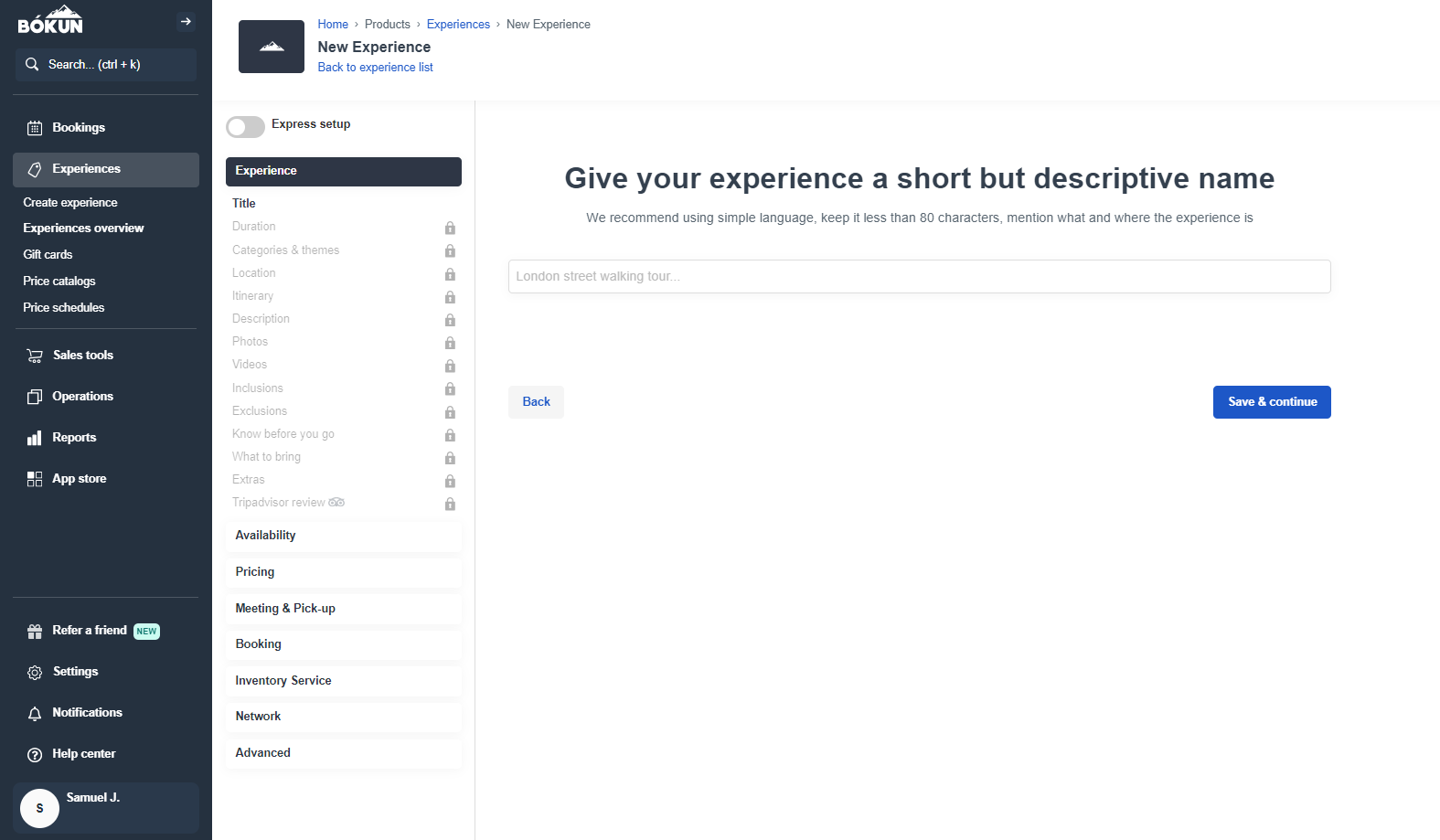
Here, you’ll:
- Give your product a clear but catchy name. (Don’t be afraid to get creative here! We want your experiences to stand out on OTAs and grab travellers’ attention.)
- Create a detailed description and itinerary for your activity. Include all relevant information so users know what to expect during their experience with you. Our system will also guide you through the fine details here: adding locations, durations, pick-up or drop-off destinations, what travellers should know for day-of experiences, and cancellation policies.
- Add high-quality images and media from past tours to give travellers a sneak peek of what to expect. This is arguably the most critical step; travellers want to see what they’ll be doing and gauge experiences from past customers. We suggest adding at least six high-quality images or videos to really showcase your travel activities.
- Include any add-ons you want to offer customers during activities. This lets travellers personalise their experiences with you (and it lets you earn more from each booking). For example, you can provide souvenir photo packages, food or drinks, or merchandise.
- Link Tripadvisor to feed reviews to your website. As we mentioned with including high-quality media, travellers are going to want to see what your past customers say about their time with you. Including reviews directly on listings lets them easily get a glimpse of what to expect. Plus, it encourages travellers to leave their own reviews after visiting.
Then, you’ll define availability, pricing, and any required resources for your activities.
- You’ll specify the days and times activities are available, add booking cutoffs, and set minimum and maximum capacities for activities. Availability rules populate your calendar, so you don’t have to adjust them manually each week. This makes it easy to manage each product, offer seasonal activities, and prevent overlap between AM/PM experiences.
You can always adjust availability on the fly from your booking calendar. You can close out specific tours, dates, or time slots any time you need.
- There are a variety of ways you can price tours: charge a single flat rate, create pricing categories (e.g., one rate for adults and another for children), add rates for private activities, or offer bulk discounts. Bókun also includes a dynamic pricing tool that can adjust your rates based on set rules or conditions. For example, our system can lower rates for activities approaching booking cutoffs that still have open slots, or raise rates for experiences that are booking out quickly.
- Our resource management module lets you add all of your tour supplies, equipment, and staff in Bókun. You can include all necessary details (names, descriptions, model types, SKU numbers, etc.), link resources to specific activities, and set allocation rules. For example, if you offer quading experiences, you can specify the number of quads and helmets (even their model types) you need to run the experience. Then, this resource management tool keeps real-time inventory and can block off activities if you don’t have the necessary resources available to run tours.
After you publish listings, they automatically appear on your site so travellers can begin booking with you.
Note: Our partnership with Viator lets Viator users auto-import products to the Bókun platform. We also offer free Viator product checks (12, 24, or 48 per year) so that you can list new activities without fees.
Grow your business via OTAs, Bókun Marketplace, & Referral Tracking
Selling tours on your website is great for winning bookings from travellers who already know about you. But real growth requires reaching new audiences. And that’s where Bókun really packs a punch.
First, we connect with 50+ global OTAs so you can sell your experiences on the travel sites customers already know and use to book vacations and activities (Viator, GetYourGuide, Google Things to do, Airbnb Experiences, Hotelbeds, Headout, TourRadar, Trip.com, Klook, Tiqets, Civitatis, etc). This is one of the most tried-and-true ways to promote activities to customers worldwide and fully book your calendar.
In addition to our Viator partnership, we also offer premium integrations with GetYourGuide, Google Things to do, and Airbnb Experiences to help you easily join those platforms and win more bookings from their massive audiences.
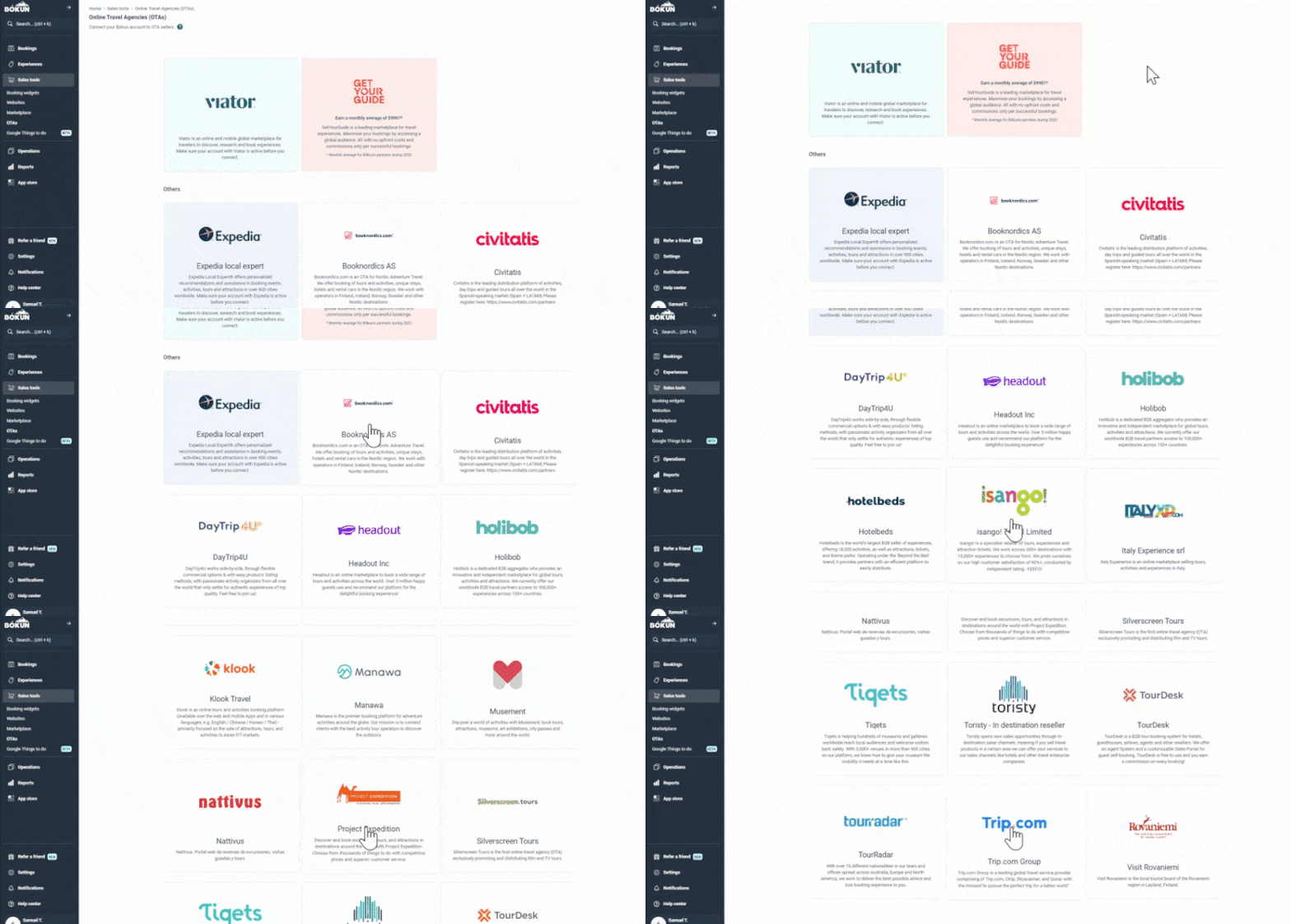
Our platform makes it simple to add and manage sales channels. You simply go to the Sales Tools tab, select the sites you want to connect, and log in. You can even specify which products to sell on each site, the availability you open to each site, and the rates.
Read more: 10+ best travel distribution channels for tour operators
Beyond connecting with OTAs, you can expand your online reach by making partnerships through our Marketplace.
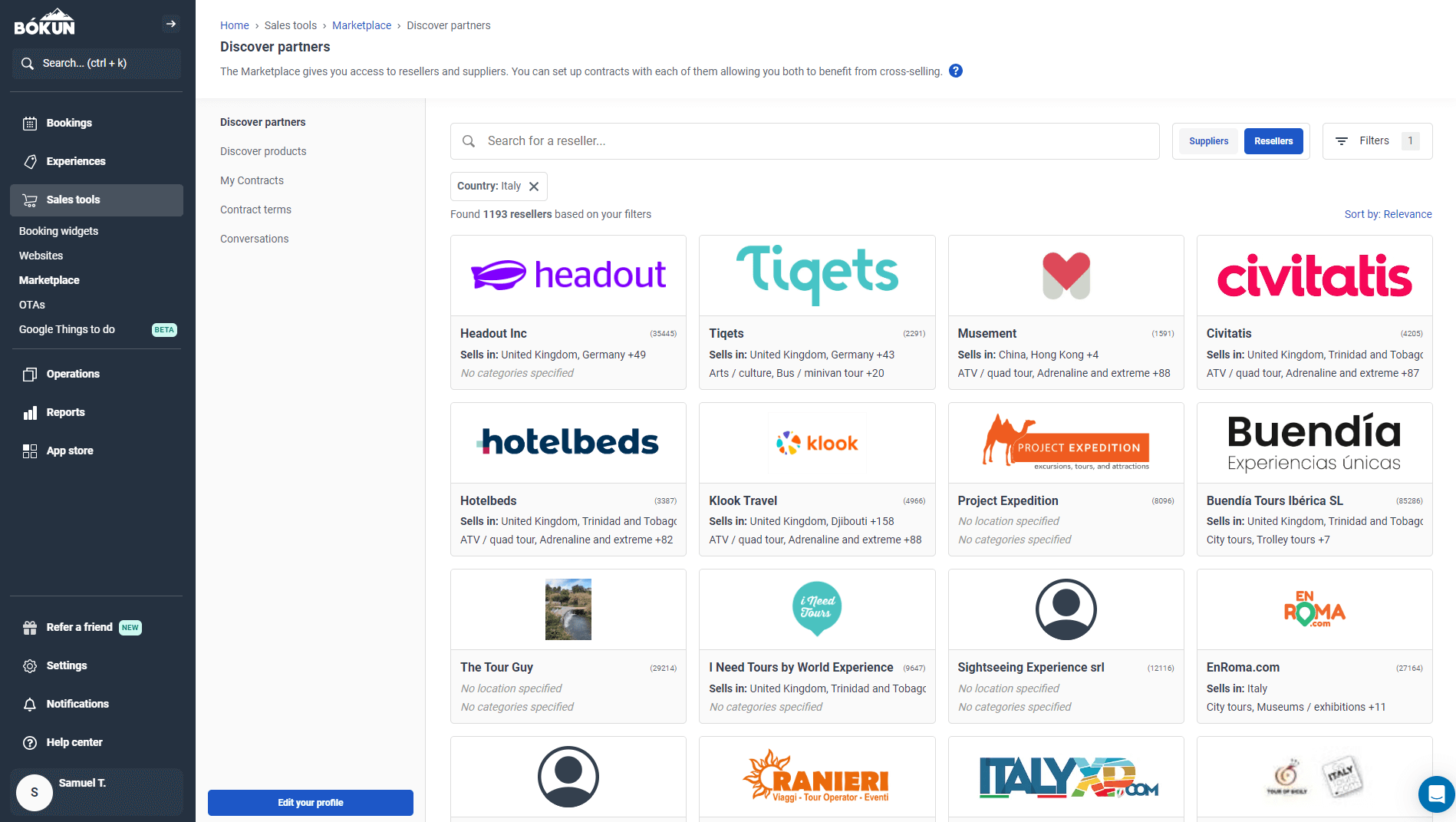
The Bókun Marketplace is home to thousands of suppliers and resellers around the globe; you can connect with travel agents, DMOs, accommodation providers like hotel groups, resorts, and B&Bs, transportation services, rental companies, attractions, educational institutions, and other activity and tour providers.
Establishing partnerships creates new opportunities for customers to discover your activities and book with you — and tour operators who take advantage of the Marketplace tool report a 20% uptick in bookings within six months.
You can also add new revenue streams by partnering with suppliers and reselling their travel activities for a commission. Partner products display on your site so your customers can easily book them through you.
Our system also lets you create comprehensive travel packages with partners. You can combine multiple activities into a package or bundle other services with your activities to cover multiple areas of your customers’ travel.
You can add new partners as you go and manage all contracts within Bókun. We support unlimited partner contracts.
In addition to our Marketplace, our Referral Tracking feature lets you earn bookings through any business or professional you choose and build a diverse affiliate network.
You can partner with other businesses in your area, travel bloggers, social media influencers, tourism boards, or whoever you like, and provide them with unique tracking links to earn bookings on your behalf. You can see who generates the most bookings for your business and use those insights to guide your distribution strategies and establish new partnerships.
See all bookings in one place & automate availability updates
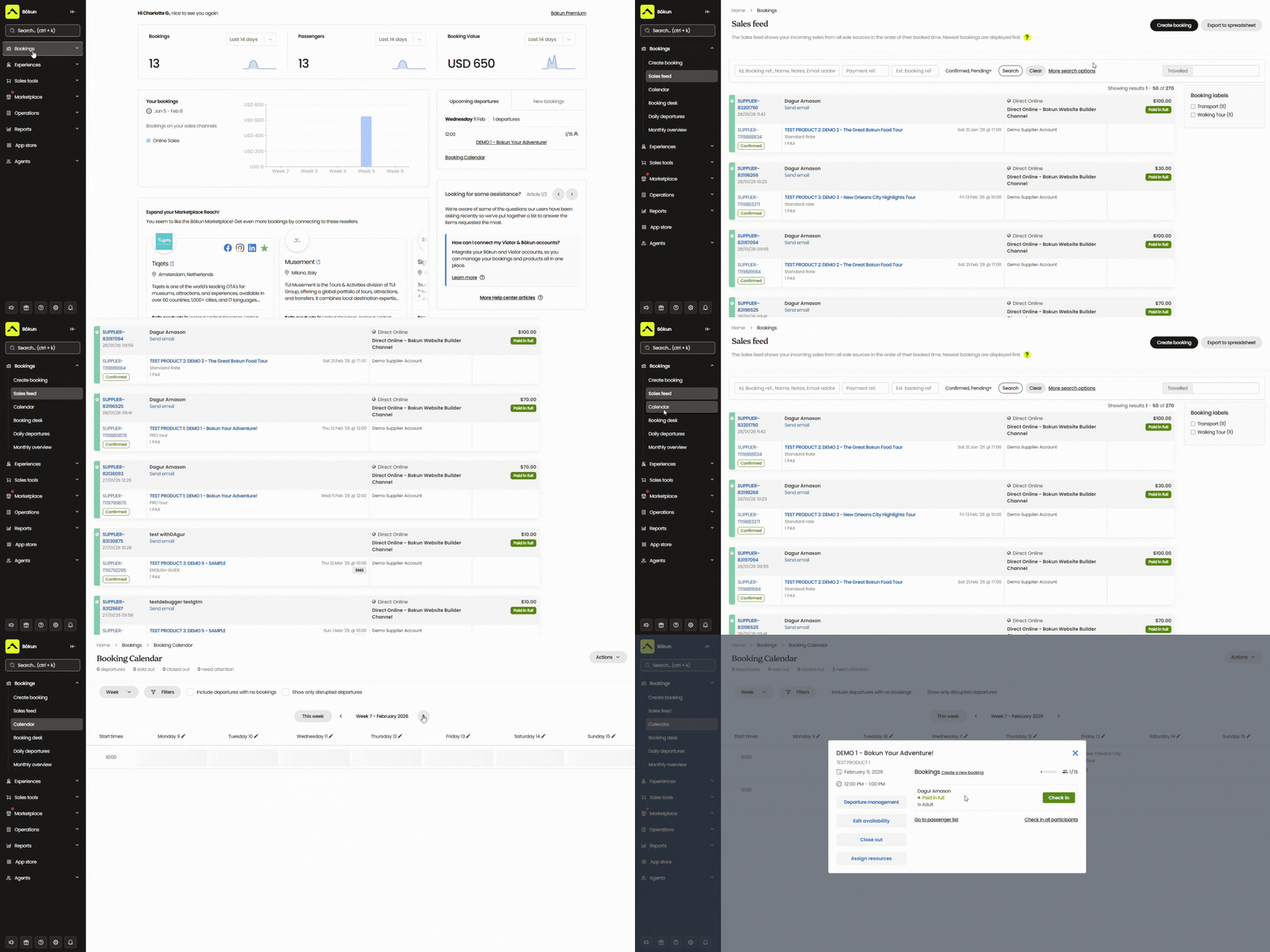
The Bókun booking calendar centralises all of the reservations you earn across all sales channels. You can also add offline bookings here for free.
This dashboard gives you a unified view of everything on your schedule and automates calendar management — when a new reservation rolls in, Bókun feeds real-time updates and availability back to all connected channels, so customers can see your most current availability no matter where they find you (and you never risk double bookings).
This calendar also offers simple tools to update availability, assign or re-assign tour guides, and modify reservations.
Manage your entire operations from one hub
Bókun also provides a variety of tools to manage back-office operations, including a CRM, automated communications, staff scheduling, and other business management tools.
Our CRM automatically collects and stores customer information when they start the booking process with you. This helps you keep an organised contact base and retarget anyone who falls off during the booking process.
We back our CRM with an automated communications tool that can dispatch booking confirmations, tour reminders, follow-ups, retargeting emails, review requests, discount codes, and more.
We provide a gallery of email templates to customise and schedule, but you can also add your own templates (newsletters, product announcements, etc.) here to manage all email marketing initiatives in our system. If your tour activities require waivers for liability coverage, you can also customise one of those emails, attach your waivers, and schedule it to send when customers complete bookings.
Our staff management tools let you add staff members to the platform, schedule them to activities, and keep everyone connected. We also provide mobile apps so staff members can access the booking calendar and see their schedules from all devices.
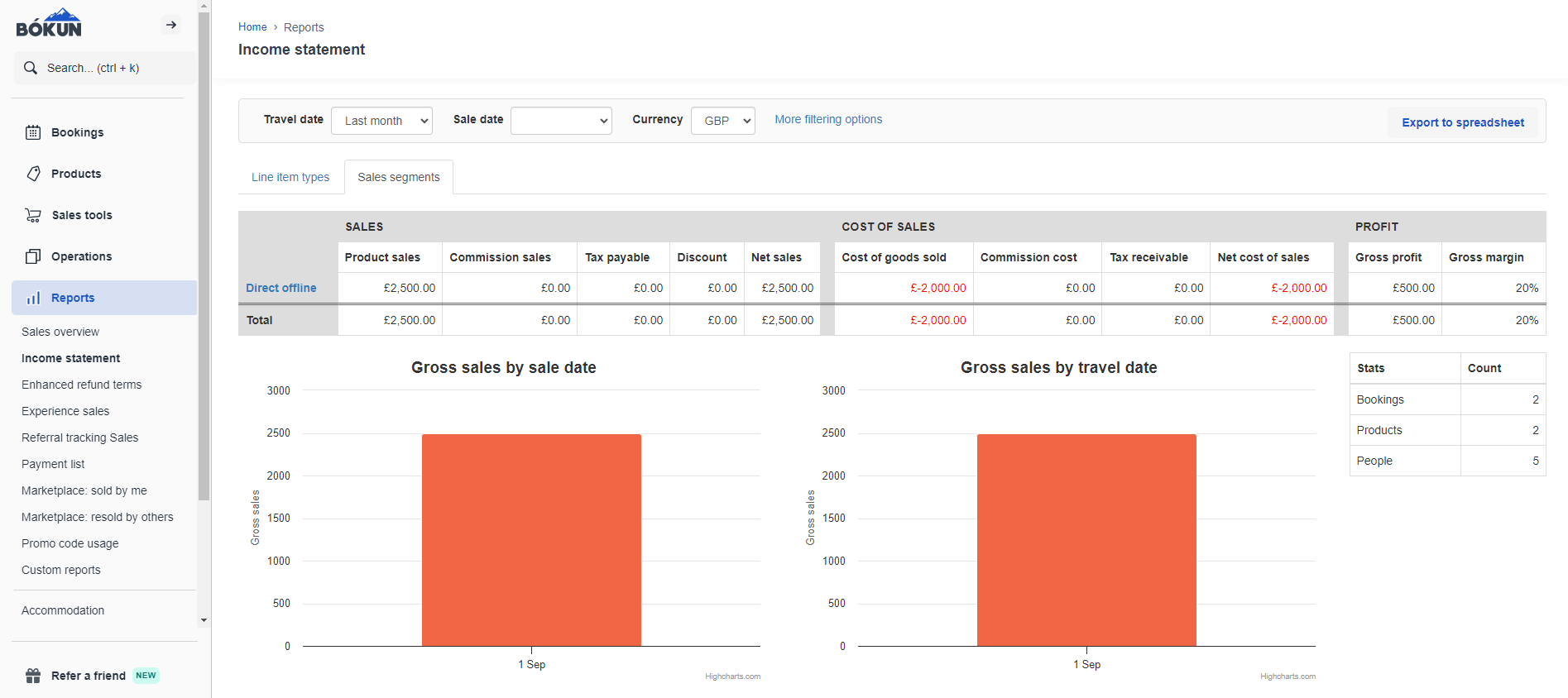
Bókun also includes business intelligence reports to help you better understand where you’re earning bookings and what drives the most revenue. We offer preset reports to show:
- The number of reservations booked — you can monitor upcoming bookings and reference past reservations.
- Reservations by sales channel — you can see which OTAs, partners, and affiliates bring in the most bookings.
- Reservations by product — you can see which activities are most popular and use that data to fine-tune your product line.
- Revenue and income — you can compare earnings by product or sales channel and see how much commission you’re earning from supplier partnerships.
You can analyse this data across different date ranges to see when you’re most popular vs. when business slows, and what products are most popular during different times of the year.
These reports give you a bird’s-eye view of operations, enabling you to make more strategic business decisions and prepare for slow and busy seasons.
Offer five-star customer experiences
Providing a simple, seamless booking process increases the likelihood of earning new reservations and saves your staff time — compared to traditional spreadsheets and booking forms that require back-and-forth to confirm time slots, collect payment information, and complete waivers.
Bókun also provides your customers with self-service portals to view, modify, or cancel bookings without contacting your team.
Then, our mobile apps improve the customer check-in experience so arrival doesn’t cause delays. Customers can complete waivers and download tickets from order confirmation emails, and then staff members can easily see who’s booked for each tour, scan tickets, and confirm attendees’ arrivals.
All that’s left is to deliver an exemplary customer experience throughout their visit to win positive reviews and repeat customers.
Getting started with Bókun
All new customers can enjoy our 14-day free trial to explore Bókun before committing. During the trial period, you can build your site, add products, browse OTAs and the Marketplace, and connect with Viator.
After the trial ends, you can choose to upgrade to the START plan for $49/month (this doesn’t happen automatically); it includes all features discussed in our guide, unlimited Marketplace access, and website costs.
We offer the lowest booking fees to support business growth; you can choose whether to cover them yourself or pass them on to the customer.
- 1.5% fees for direct website bookings and reservations from OTAs
- 0% Bókun fees on Viator bookings
- Free offline bookings
We also offer two enterprise-level plans, PLUS and PREMIUM, for scaling teams with more specialised requirements. These include agent portals, subvendor management, allocation manager, and Zapier access. Enterprise plans also come with guided onboarding and a yearly strategy call with our team to ensure you’re making the most of Bókun’s benefits.
In addition to our core features above, we offer the Bókun App Store, where you can add extra modules to support your business workflows.
Start your free 14-day trial and experience how Bókun streamlines your bookings.
Alternative Tour & Activity Booking Software
In addition to Bókun, brands like FareHarbor, Peek Pro, Rezdy, Checkfront, Regiondo, TrekkSoft, Orioly, and Resmark Systems are also favoured on customer review sites.
You may also see names like Singenuity, Acuity Scheduling, and Indexic’s aReservation system when comparing activity booking software, but we exclude these names from our list because they’re simpler systems that don’t include many tools to increase bookings or manage back-office operations.
FareHarbor
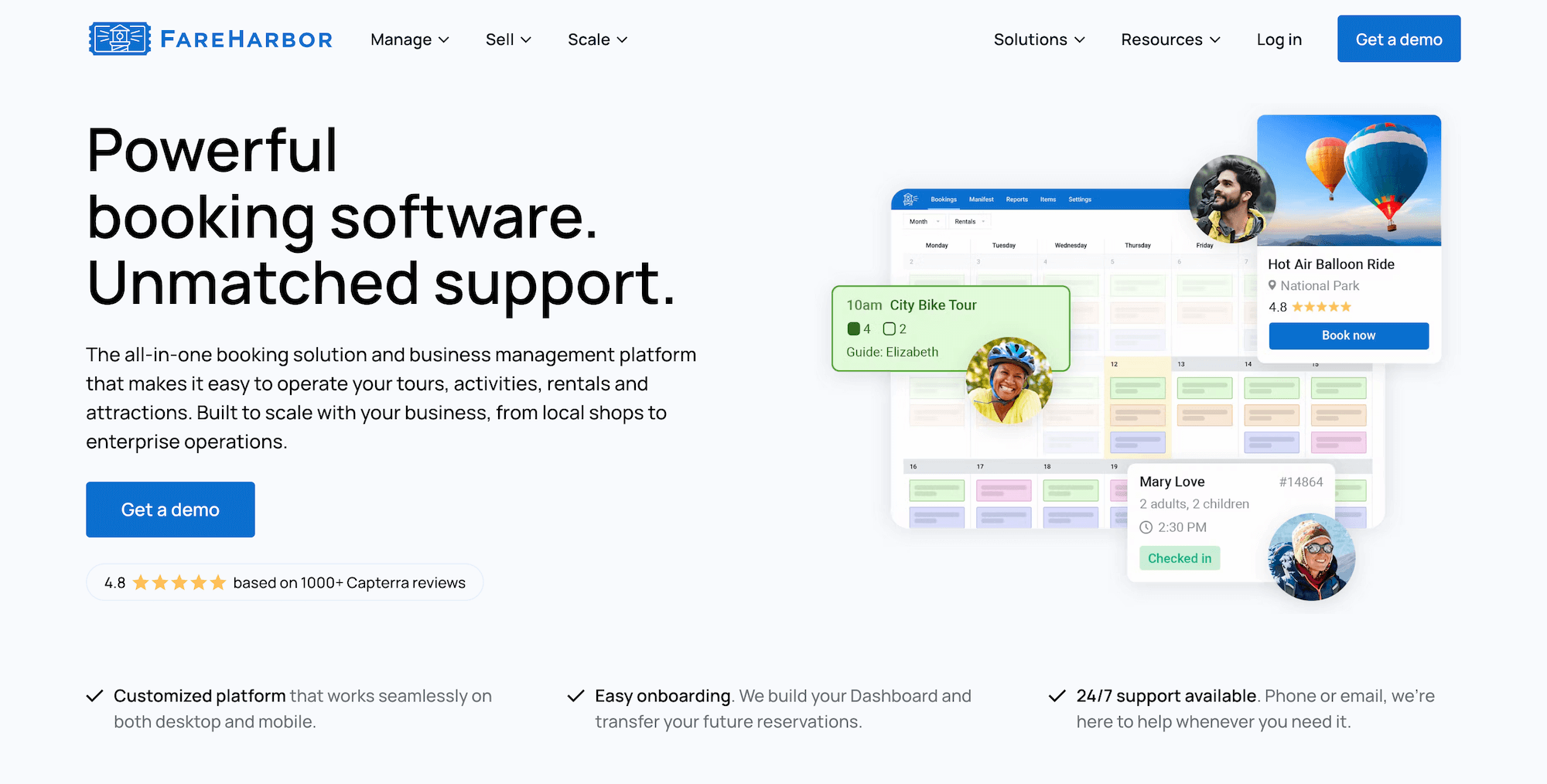
FareHarbor is a popular online booking system commonly mentioned across review sites because it’s a Booking.com brand with a decade of industry experience. Typically, the appeal to the software is that it’s marketed as a “free solution” — as they don’t charge subscription fees.
However, pricing issues tend to be the biggest reason teams are turned off by FareHarbor.
- They charge to access certain features and services. For example, they don’t offer a free website builder; instead, they offer a website-building service for $5k a year (or $499 monthly). However, FareHarbor maintains ownership of your site, so if you ever leave, you have to forfeit your site and that investment. (They also offer SEO services to help you increase bookings from your site, charging $2k or $5k yearly depending on the package you choose.)
- They take a 20% commission from any booking you earn through their in-built distribution network, FHDN. (And their marketplace is much smaller than other brands, only including a few thousand partners.)
- They charge some of the steepest booking fees around (up to 6% and 8%), and booking fees can vary by transaction, so it’s hard to tell how they will impact customer costs. Tour operators frequently report that FareHarbor’s high fees deter customers at checkout and cost them bookings.
While FareHarbor touts a top-rated solution, its pricing is hard to justify. They don’t offer great value for money, and you end up getting nickel-and-dimed to take full advantage of the platform.
Features
- Website-building services — FareHarbor charges an extra fee for this service
- Online booking engine
- Customisable dashboard to manage all bookings (offline & online) in one place
- Channel management & connections with OTAs like Expedia
- Distribution network (FHDN)
- Product (Inventory) management to list activities & monitor business resources
- Availability management
- Staff management
- Features to improve the customer experience: portals to modify bookings, automated communications, online waiver solutions, fast check-in tools, and memberships
- Reporting
- Native POS (with transaction fees to use) and integrations with Stripe
- Mobile apps
- Pricing
FareHarbor charges variable booking fees of up to 6% and 8%.
Read more:
- Best FareHarbor alternatives comparison guide
- Bókun vs. FareHarbor vs. Peek Pro
- Bókun vs. FareHarbor vs. Rezdy
Peek Pro
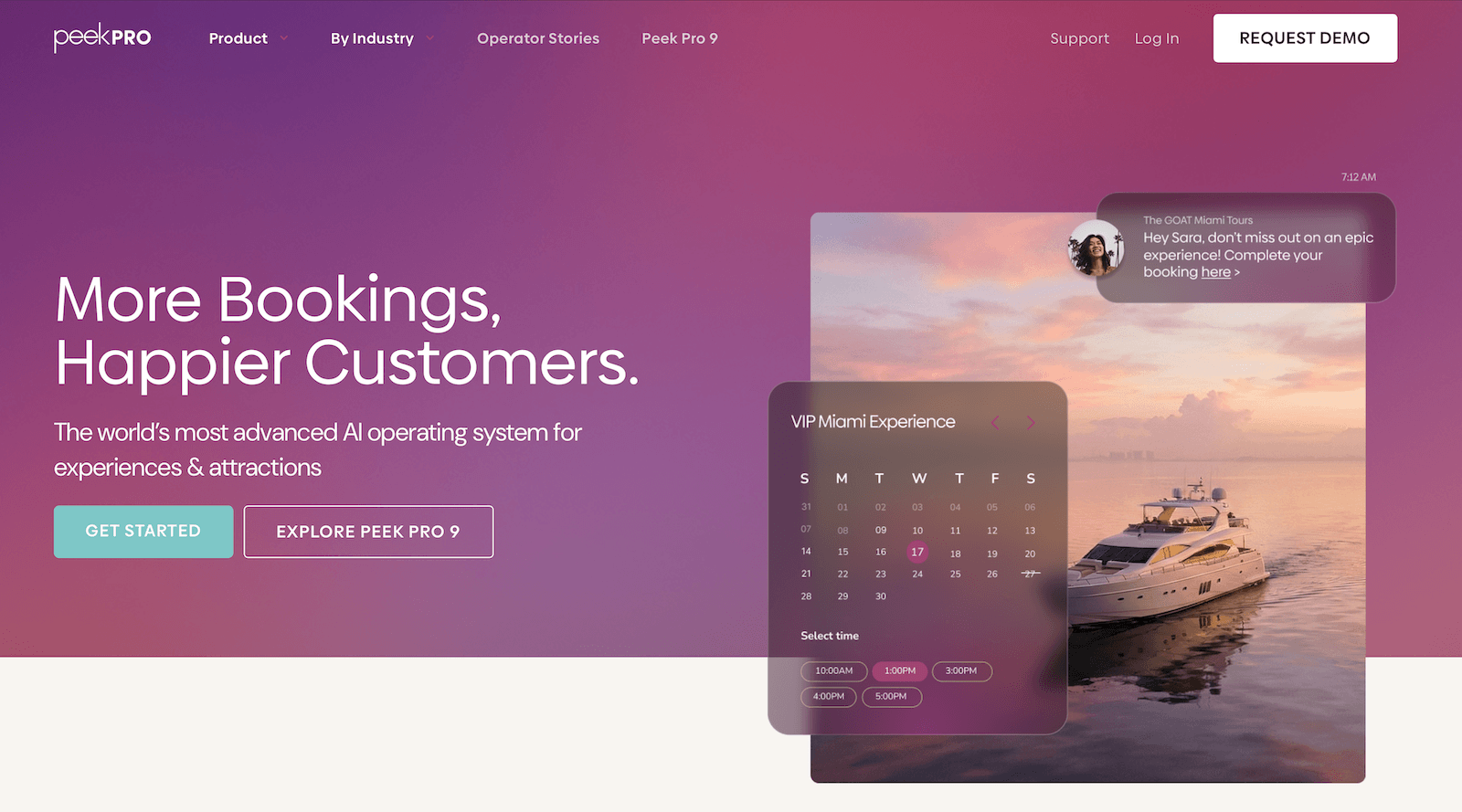
Peek Pro is a more advanced online booking solution best suited for teams who have already brought their business online and are interested in new ways to increase bookings and revenue. Peek Pro markets its solution to activity businesses and attractions of all sizes, but we give this recommendation because the platform does not offer a website builder, and most of the features focus on enhancing the booking experience.
The platform offers dozens of features for teams ready to scale operations — OTA connections, a reseller marketplace, and even a feature to secure business financing through Peek’s VC network (Peek Capital).
They often earn positive reviews for their customer support and the platform’s ease of use; that said, some users say setup can be challenging, but their team is available to help.
However, as with FareHarbor above, the primary concern with Peek is the expensive fees. They also charge up to 6% and 8% per booking, which can majorly impact customer costs and lose you business.
Check out more Peek Pro reviews here.
Features
- Online booking engine (you can embed their widget on your site to make it bookable)
- Custom booking calendar & reservation management tools
- Product management
- Channel management & connections with OTAs
- Availability & staff management
- Features to increase revenue, including dynamic pricing, bundles, and add-ons (note: Peek collects commission on add-on sales)
- Features to increase bookings, including marketing tools to follow up with customers who abandon their carts and features to offer memberships, vouchers, gift cards, and discounts
- Peek reseller network
- Peek Capital (to apply for loans)
- Native POS to collect in-person payments & integrations with online payment processors
- Features to improve the customer experience: portals to modify bookings, digital waivers, custom tickets, Kiosk mode with ticket scanning
- Mobile apps
- Integrations & API
- Reporting
Pricing
Peek Pro charges booking fees of up to 6% and 8%.
Read more: Best Peek Pro alternatives comparison guide
Rezdy
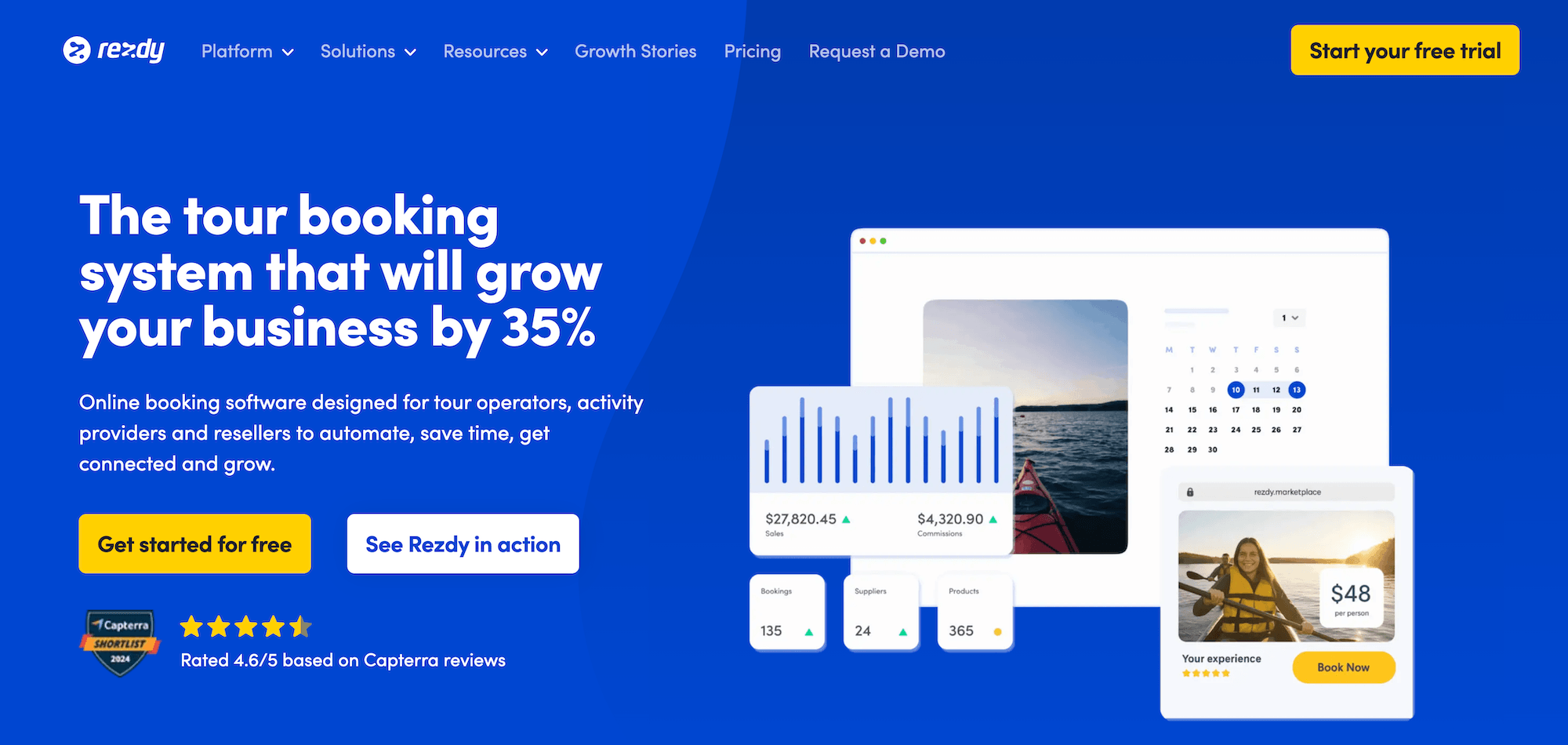
Rezdy is a global booking platform brand that’s been around since 2012 and is generally well-regarded for being straightforward and user-friendly.
The platform covers the essentials — one-click website builder, online payment processing, booking management, OTA connections, a reseller network, and automated communications — without being overly complex or challenging to learn. The interface is intuitive, and most users report they can get up and running without much hand-holding.
That said — and not to sound like a broken record — a key issue with Rezdy is pricing. Their recommended package (Accelerate) is $99/month, and they still charge 3% online booking fees on top of that subscription.
While 3% isn’t outrageous compared to the competitors above, you’re still paying more in monthly and booking fees than similar solutions like Bókun.
Overall, Rezdy earns solid reviews and has a good reputation, but the pricing structure makes it hard to justify.
Features
- One-click website builder
- Online booking engine
- Reservation management
- Live availability
- Connections with OTAs & channel management
- Reseller network
- Product management
- Upselling tools
- Automated customer communications
- Check-in tools like mobile tickets & ticket scanning
- RezdyPay — Rezdy’s native payment gateway — and integrations with solutions like Stripe, PayPal, Google & Apple Pay
- Integrations & API
- Reporting
- Mobile apps
Pricing
Rezdy offers a 21-day free trial, three paid plans, and custom enterprise packages:
- The Foundation plan ($49/month and 3% online booking fees) includes basic features such as online booking widgets, guest manifests, and mobile apps.
- The Accelerate plan ($99/month and 3% online booking fees) is Rezdy’s recommended plan because it provides access to more advanced tools and integrations.
- The Expansion plan ($249/month and 3% online booking fees) is Rezdy’s enterprise package, offering deeper customisation via the API and webhooks.
Read more: Best Rezdy alternatives comparison guide
Checkfront
Checkfront is another top-rated booking platform that’s been around for over a decade. It’s known for its robust toolkit and high customisability. The platform offers 100+ features, 50+ native integrations, and API access for building custom workflows — making it popular for those with more complex booking requirements.
Activity providers also tend to like Checkfront’s resource management capabilities, which let teams track equipment, staff, and other inventory in real-time. This is particularly useful for businesses that run multiple activities with overlapping resource needs.
However, Checkfront’s flexibility comes with trade-offs. The platform has a steeper learning curve than competitors, and some users report that the interface feels clunky or outdated.
And — you guessed it — pricing is also expensive here: $99/month plus 3% booking fees. Checkfront (and Regiondo, below) recently merged with Rezdy, so it makes sense that their pricing is somewhat similar.
If you need deep integrations and advanced customisation, Checkfront might be worth the investment. But for most operators, the combination of a steeper learning curve and expensive pricing makes it hard to recommend.
Features
- Website builder
- Online booking engine widgets
- Centralised booking calendar
- Availability management
- Channel management & OTA connections
- Partner network
- Product management
- Resource management
- Upselling tools, including options to sell add-ons & bundle products
- Custom form builders and waivers to send to customers before their tours
- Mobile tickets & ticket scanning
- Marketing tools, including customer booking map, customer outreach & ROI tracking
- Integrations with a variety of online payment processors (Stripe, PayPal, Apple Pay, Google Pay)
- POS integrations & invoicing tools
- 50+ integrations & Checkfront API to create custom integrations
- Reporting
- Pricing
Checkfront charges a $99/month subscription fee and 3% booking fees. You can either cover the booking fees or pass them along to customers.
Read more: Best Checkfront alternatives comparison guide
Regiondo
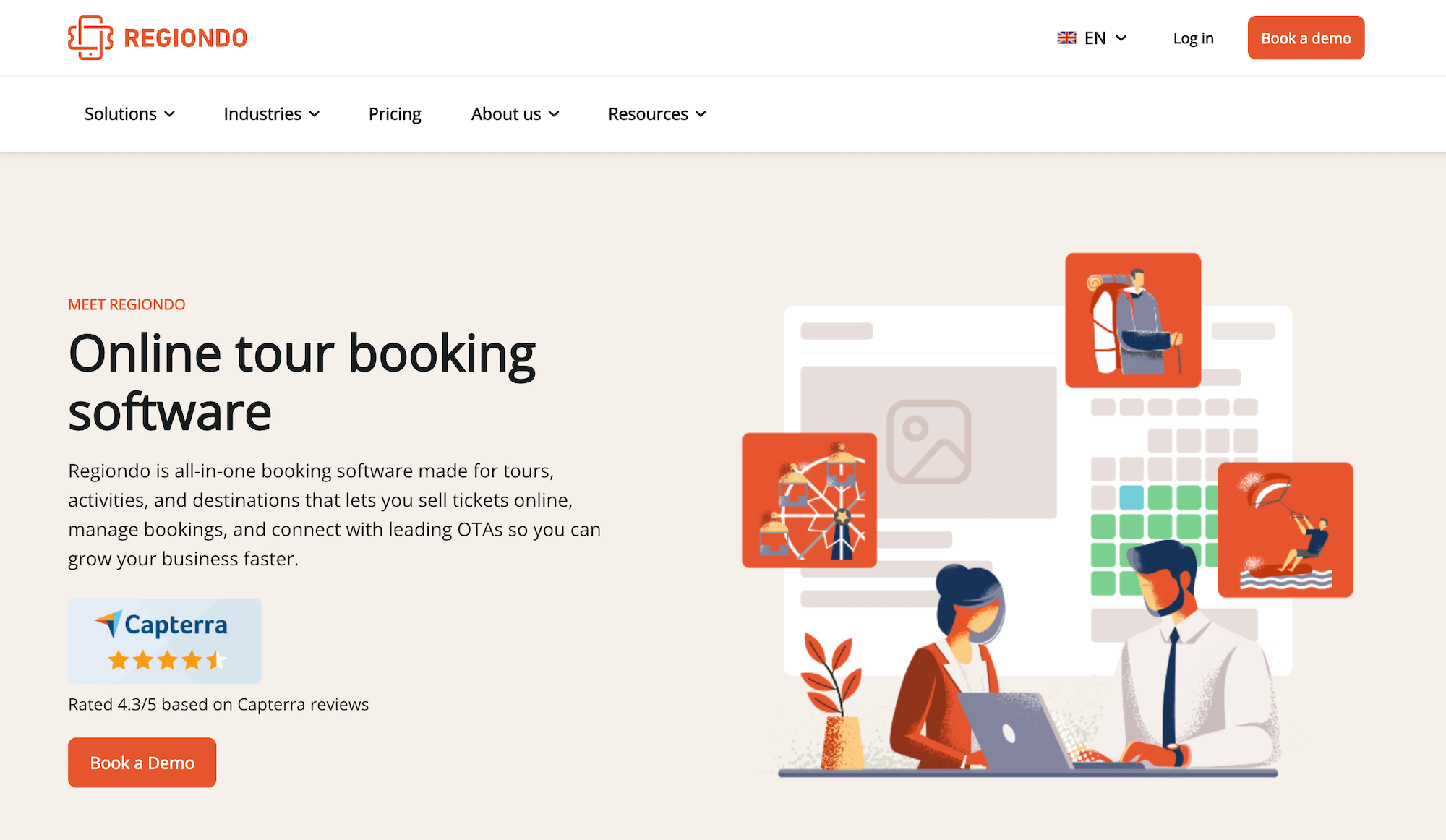
Regiondo is a German booking platform brand that’s particularly popular with European tour operators, thanks to strong multi-language and multi-currency support. The platform offers a comprehensive feature set — booking management, resource tracking, OTA connections, a reseller marketplace, automated marketing, and a native POS system.
But, as we mentioned above, Regiondo’s pricing can give activity providers pause — and it can be even more expensive than Checkfront and Rezdy.
- The base software plans start at $57/month with 3% booking fees plus a 56¢ ticket fee on every transaction.
- Access to their reseller marketplace requires a separate subscription with custom pricing that isn’t even disclosed publicly.
- Their website builder isn’t included in base plans — it’s an optional add-on at $57/month.
If you’re primarily serving European markets and absolutely need multi-language capabilities, Regiondo might be worth exploring — but make sure to get a complete pricing breakdown before making any major commitments.
Find more Regiondo reviews here.
Features
- A one-click website builder to create custom sites (optional add-on for $57/month)
- Online booking engine
- Central booking calendar with real-time availability management
- Product management
- Resource management
- Channel management & connections with OTAs
- Reseller marketplace (optional add-on — custom rates)
- Touch POS to manage walk-up reservations & payments
- Online payment support through select payment processing tools
- Multi-language & multi-currency support
- Marketing tools
- CRM
- Features to automate discount codes & review request emails
- Check-in tools like ticket scanning
- Mobile apps
- Reporting
Pricing
Regiondo offers separate subscriptions for its tour operator software and reseller network. The site discloses rates for its software subscription but does not share rates to join the reseller network.
Tour operator software packages are as follows:
- The Starter plan ($57/month with a 56¢ ticket fee + 3% online booking fees) is Regiondo’s entry-level plan that supports two users and grants access to the booking widget, channel management, and online payment gateways.
- The Advanced plan ($114/month with a 56¢ ticket fee + 3% online booking fees) is Regiondo’s upgraded subscription that supports five users and opens access to more features, such as resource management, automated communications, and API access. This is noted as Regiondo’s recommended package.
- The Enterprise plan ($229/month with a 56¢ ticket fee + 3% online booking fees) is Regiondo’s most advanced plan that supports up to 25 users and provides access to all features and integrations.
If you’re interested in Regiondo, we suggest contacting its customer experience team to learn more about rates to join the reseller network and to receive a final quote.
Read more: Best Regiondo alternatives
TrekkSoft
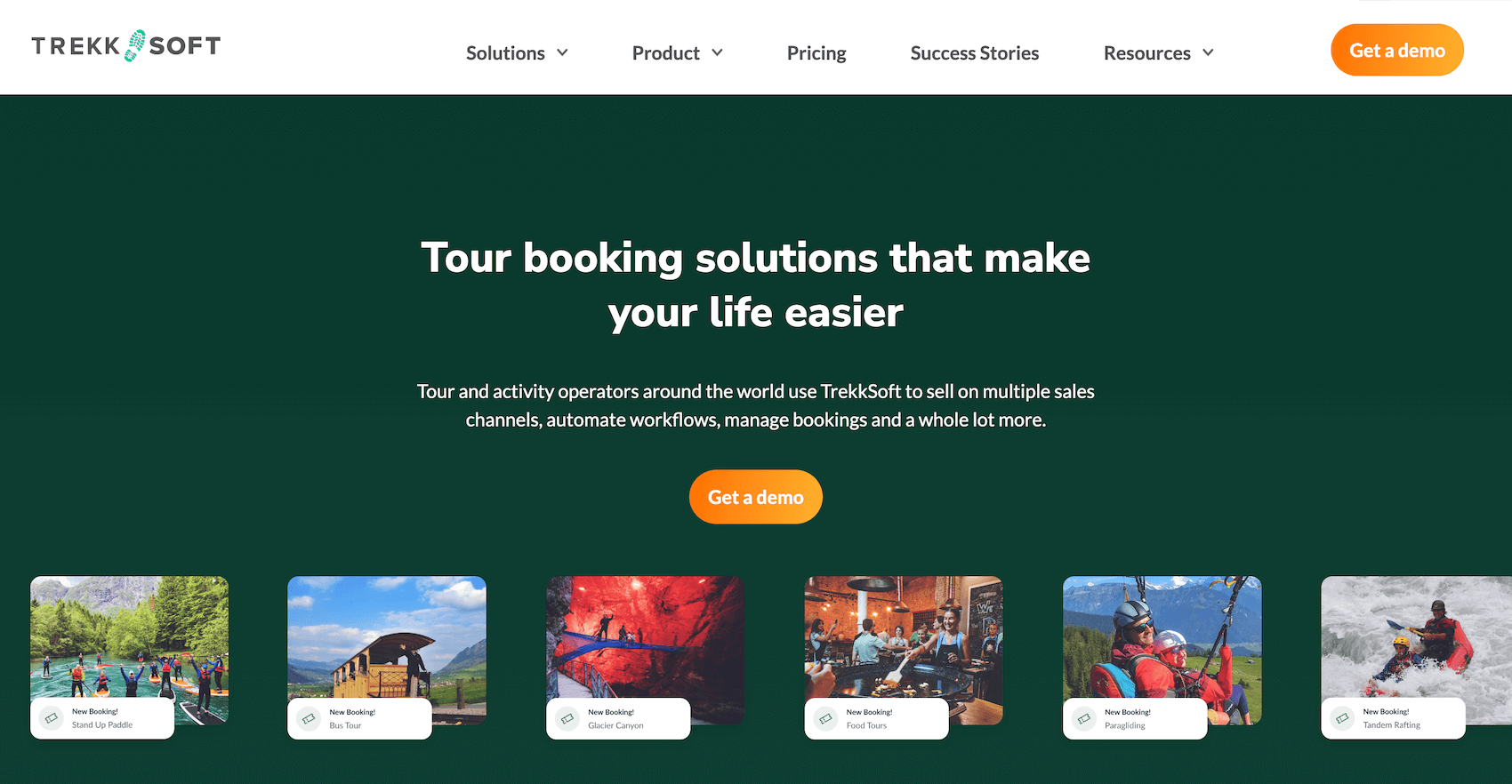
TrekkSoft is another online booking platform popular with European activity businesses (though it works with operators globally). The platform is straightforward to use and offers tiered plans for different business stages.
But again, TrekkSoft loses us with its pricing structure.
Their “free” Commission plan requires a 12-month contract and a $932 setup fee. Then they hit you with 5% booking fees on direct bookings, 3% on OTA bookings, and 64¢ per offline booking. So you’re locked into a year-long commitment and paying high booking fees — the package is absolutely not “free.”
Then, their paid plans (Accelerate at $163/month and Ultimate at $273/month) lower the booking fees, but the monthly costs are substantial. And every plan charges an additional 2.5% + 29¢ transaction fee when you use their payment processor.
Overall, it’s hard for us to recommend TrekkSoft because their platform isn’t highly differentiated, yet they’re charging premium prices.
Read more TrekkSoft reviews here.
Features
- Custom website builder (and booking widgets for teams that already have websites)
- Online booking engine
- Channel management & connections with OTAs
- Reseller network to partner with travel agents, hotels, attractions, and other tour operators
- Back-office tools to report on operations; manage products, availability, and staff schedules; monitor upcoming bookings and resources; process payments and track finances
- Payoo, TrekkSoft’s native payment processing system
- Native POS (also available on mobile) & integrations with online payment processors, including Stripe, PayPal, Google Pay, and Apple Pay
- Mobile apps
Pricing
TrekkSoft offers three packages: Commission (for teams just getting started), Accelerate (the recommended plan), and Ultimate (for larger, scaling teams).
- The Commission plan (no subscription costs) includes the essentials to bring your business online and sell activities across OTAs, but grants limited access to the reseller network. This plan seems appealing because it’s free, but you are required to sign a 12-month contract and pay a $932 one-time set-up fee. TrekkSoft also charges the highest booking fees for this package: 5% for direct online bookings, 3% on bookings from OTAs, and a 64¢ fee for every offline booking.
- The Accelerate plan ($163 per month) includes everything in Commission, full access to the reseller network, and a couple of extra convenient features, like calendar synchronisation. This plan grants lower booking fees: 2.5% for online bookings and 64¢ per offline booking.
- The Ultimate plan ($273 per month) includes TrekkSoft’s business intelligence suite and access to the developer API. Users enjoy the lowest booking fees in this plan: 2% for online bookings and 64¢ per offline booking.
Note: TrekkSoft charges a transaction fee for all online payments through Payoo (2.5% + 29¢ — this rate is the same across all packages).
Read more: Best TrekkSoft alternatives
Orioly
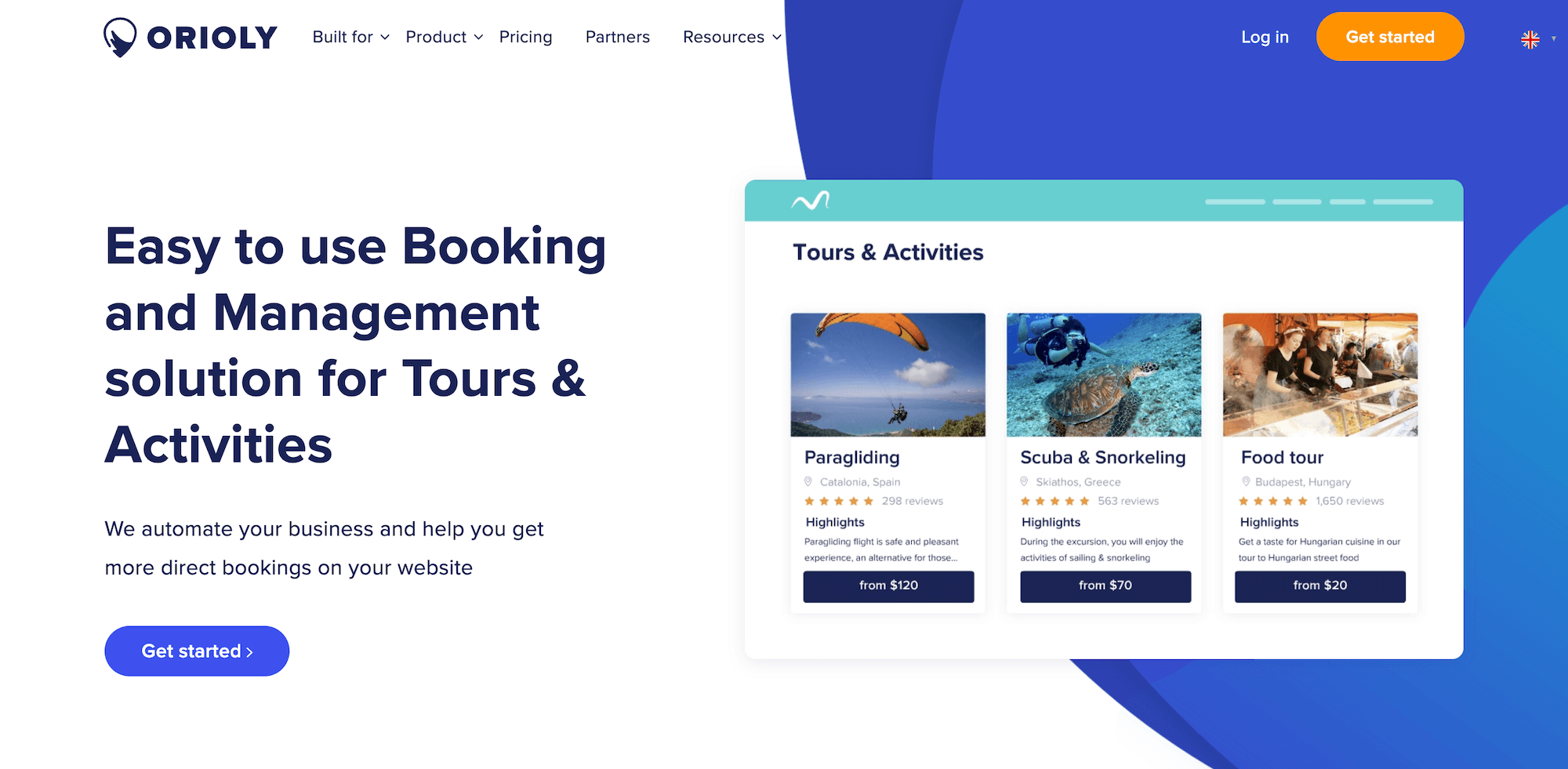
The next name on our list, Orioly, is a newer platform (so there aren’t tons of reviews yet, but the feedback out there is positive). They mainly work with UK-based businesses — offering solutions for tour operators, activity providers, attractions, DMOs, and tourism boards — and have a variety of packages for both SMBs and enterprise teams.
Users like the platform’s ease of use and customer support — onboarding is reportedly quick and straightforward. And its feature set covers what you’d expect: booking widgets, OTA connections, a reseller marketplace, product management, automated communications, and mobile apps.
But Orioly takes the crown for the most expensive platform in this roundup.
Entry-level plans start at $263/month with 2.5% booking fees — and that plan doesn’t even include resource management, OTA management, or mobile apps. You’d need the next plan up, Growth, at $369/month for those features. Then, the top-tier Business plan, with all features, is $525/month. Plus, Orioly charges an undisclosed one-time setup fee for all users.
To put that in perspective: Orioly’s cheapest plan costs more than most competitors’ premium tiers. You’re looking at 5x to 10x the cost of platforms like Bókun, Rezdy, or Checkfront.
Unless you have particular needs that only Orioly can meet, it’s hard to see how that pricing makes sense.
Find more Orioly reviews here.
Features
- Online booking widget to receive reservations from your website
- Product (Inventory) management & availability management
- Channel management
- Connections with OTAs & OTA channel management
- B2B reseller marketplace
- Features to offer add-ons and discounts
- Native POS and integrations with common payment processors
- Lightweight CRM & automated customer communications
- Automated document creation to send quotes, invoices, waivers, vouchers, etc.
- Reporting
- Staff management
- Mobile apps
Pricing
Orioly has three packages for small and growing businesses and offers custom plans for enterprise teams.
The packages for SMBs include:
- The Startup plan ($263 per month) includes the channel manager, POS system, reporting dashboard, Google and Facebook integrations, online payment notifications, guest tools, and coupon codes. Users pay a 2.5% fee for online bookings in this plan.
- The Growth plan ($369 per month) includes access to all Orioly features but excludes email automation. Orioly charges a 2% booking fee in this plan.
- The Business plan ($525 per month) includes access to all Orioly features and offers the lowest booking fees (1%).
All plans allow unlimited bookings, products, and user accounts. However, users must pay a one-time set-up fee regardless of the plan they choose (Orioly does not disclose this cost).
Read more: Best alternatives to Orioly
Resmark Systems
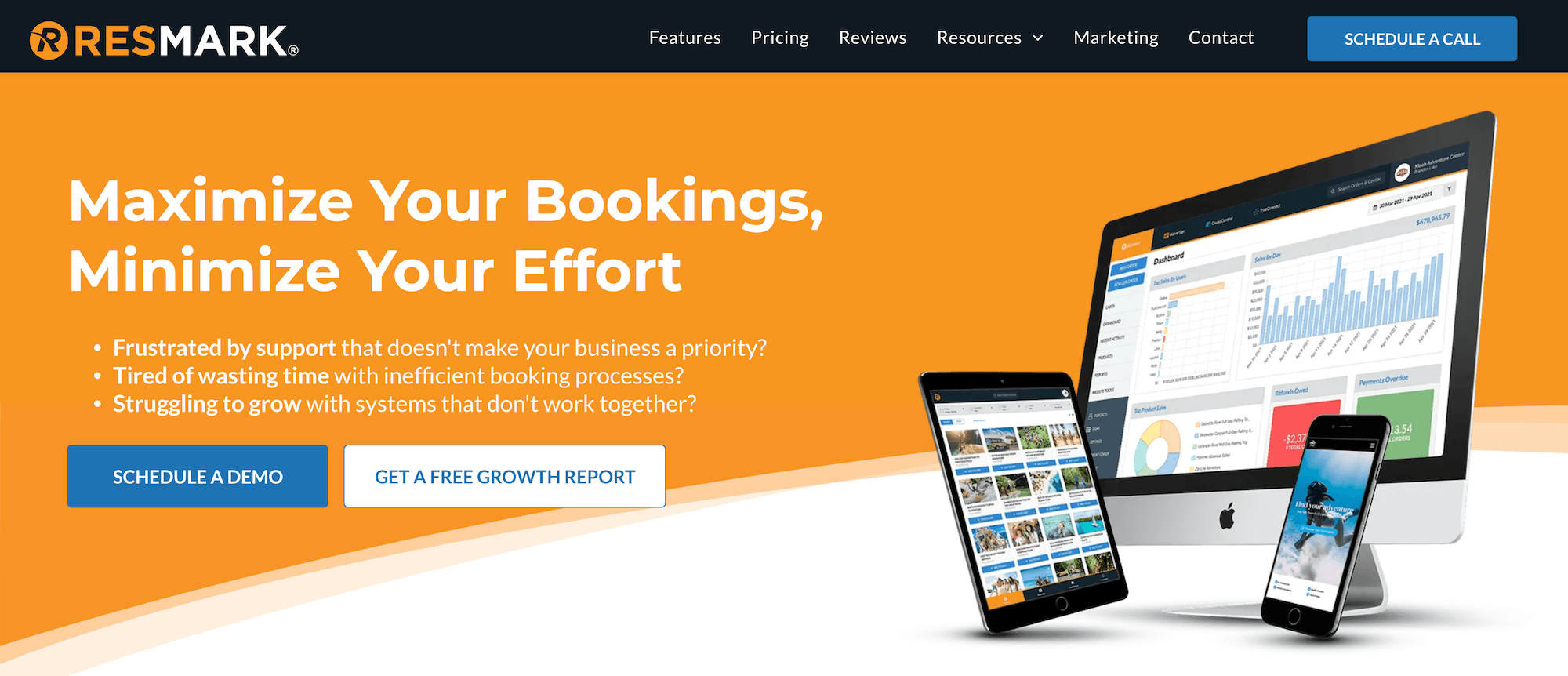
Finally, we have Resmark Systems — one of the more affordable options on this list. This solution offers a comprehensive feature set, including booking management, OTA connections, resource management, CRM, automated communications, digital waivers, dynamic pricing, and reporting. And all features are available across all plans.
Their pricing is notably lower than most competitors we’ve discussed.
- The entry-level plan is just $15/month — though it charges a 3.5% transaction fee and a $500 setup fee.
- The next plan up doesn’t include setup fees and costs $95/month with a 2.5% transaction fee, so it’s more reasonable than many of the names above (though not as budget-friendly as Bókun).
While Resmark can be a little cheaper than competitors (depending on the plan you choose), it’s also a little more basic in terms of growth tools. It doesn’t offer as many OTA connections, and the reseller marketplace is more limited. So if you’re trying to scale, increase bookings across multiple channels, or access more robust tools, you’ll probably outgrow it pretty quickly.
Check out Resmark Systems reviews here.
Features
- Website building services
- Booking widgets
- Channel management & connections with OTAs
- Availability management
- CRM & automated customer communications
- Digital waiver solution
- Integrations with popular payment gateways
- Dynamic pricing & other advanced pricing options
- Options to sell add-ons
- Options to create tour packages
- Advanced booking management tools like notes & task management
- Inventory management
- Resource management
- Reporting
- Accounting tools
Pricing
Resmark Systems offers three plans. All plans include full feature access.
- Option 1 ($15/month with 3.5% transaction fees) is the most affordable plan and is recommended for seasonal businesses or those who plan to pass transaction fees to customers. Resmark Systems charges a $500 set-up fee in this plan.
- Option 2 ($95/month with 2.5% transaction fees) is recommended for teams that operate year-round and want a lower transaction fee. Resmark Systems does not charge set-up fees in this plan.
- Enterprise packages (custom pricing) for large teams processing over $3 million/year.
Resmark Systems offers a separate plan for its reseller network. This plan is free, but you must schedule a demo with their team to join.
Read more: Resmark Systems reviews & alternatives
Getting Started with Bókun
Bókun makes it easy for activity and tour operators to bring their business online, with user-friendly features and affordable pricing.
We pack everything you need to run and grow your tour business into one platform — a website builder, OTA connections, a massive distribution marketplace, booking management, resource tracking, CRM, automated communications, mobile apps — and we make it accessible at $49/month with the industry’s lowest booking fees at 1.5%.
When you compare that to the competitors above, it’s not hard to see that Bókun offers the best value for money.
See why Bókun users rate our solution a glowing 4.7 stars by starting a 14-day free trial.
Related reads: